Visuals (Players):
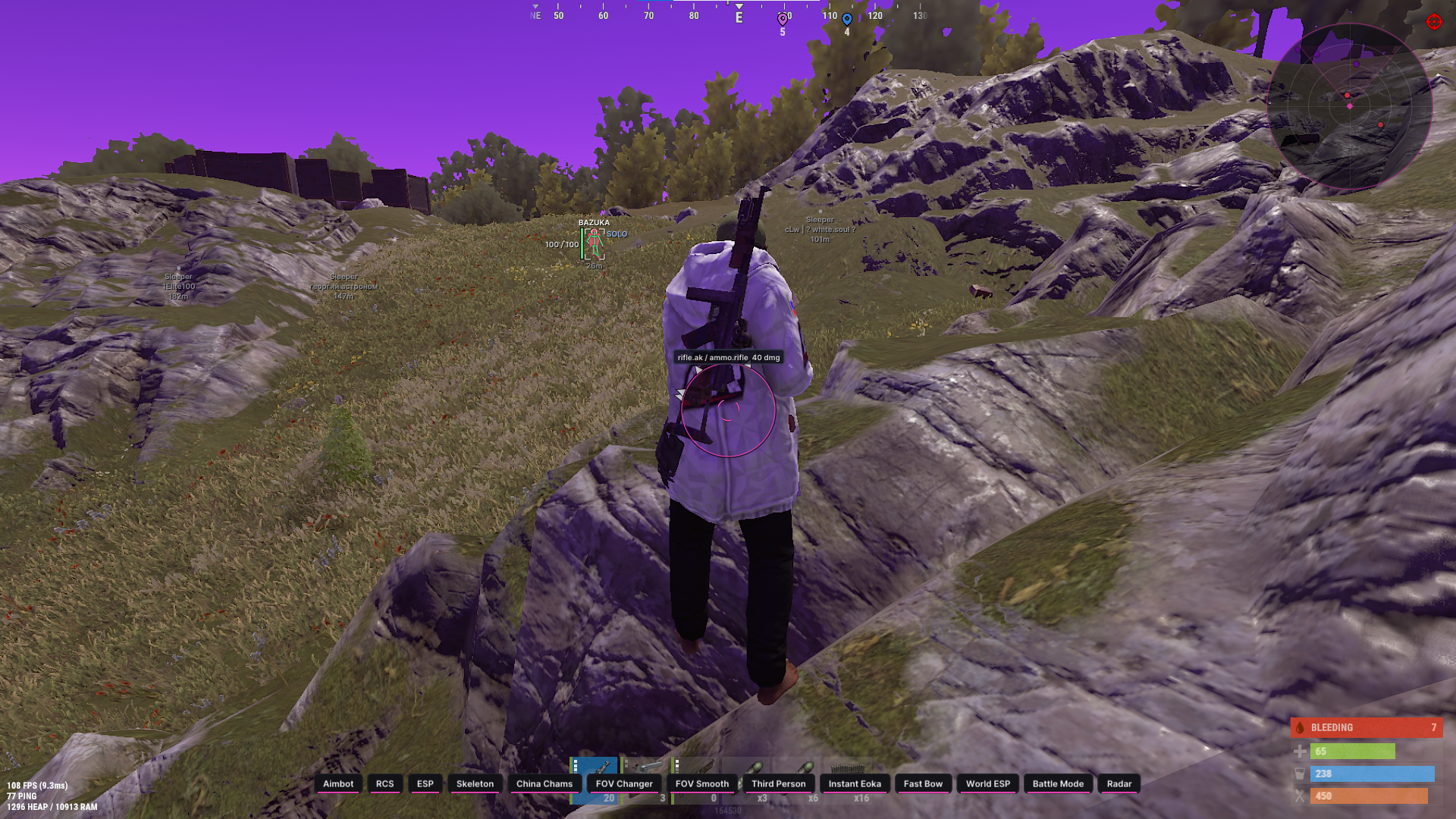
Box Type - Select the type of box displayed around the target: Full, Corner, 3D Box or None.
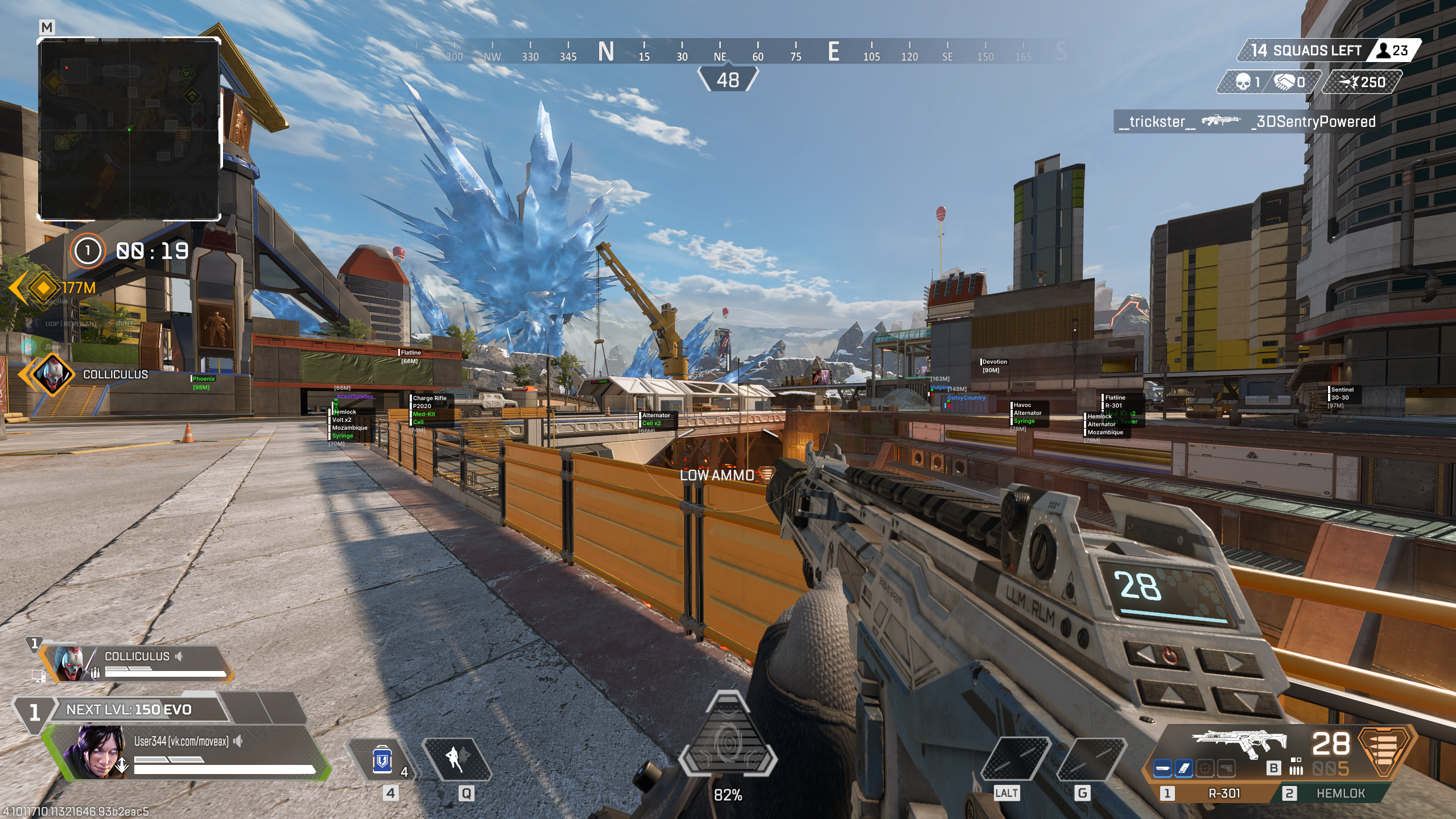
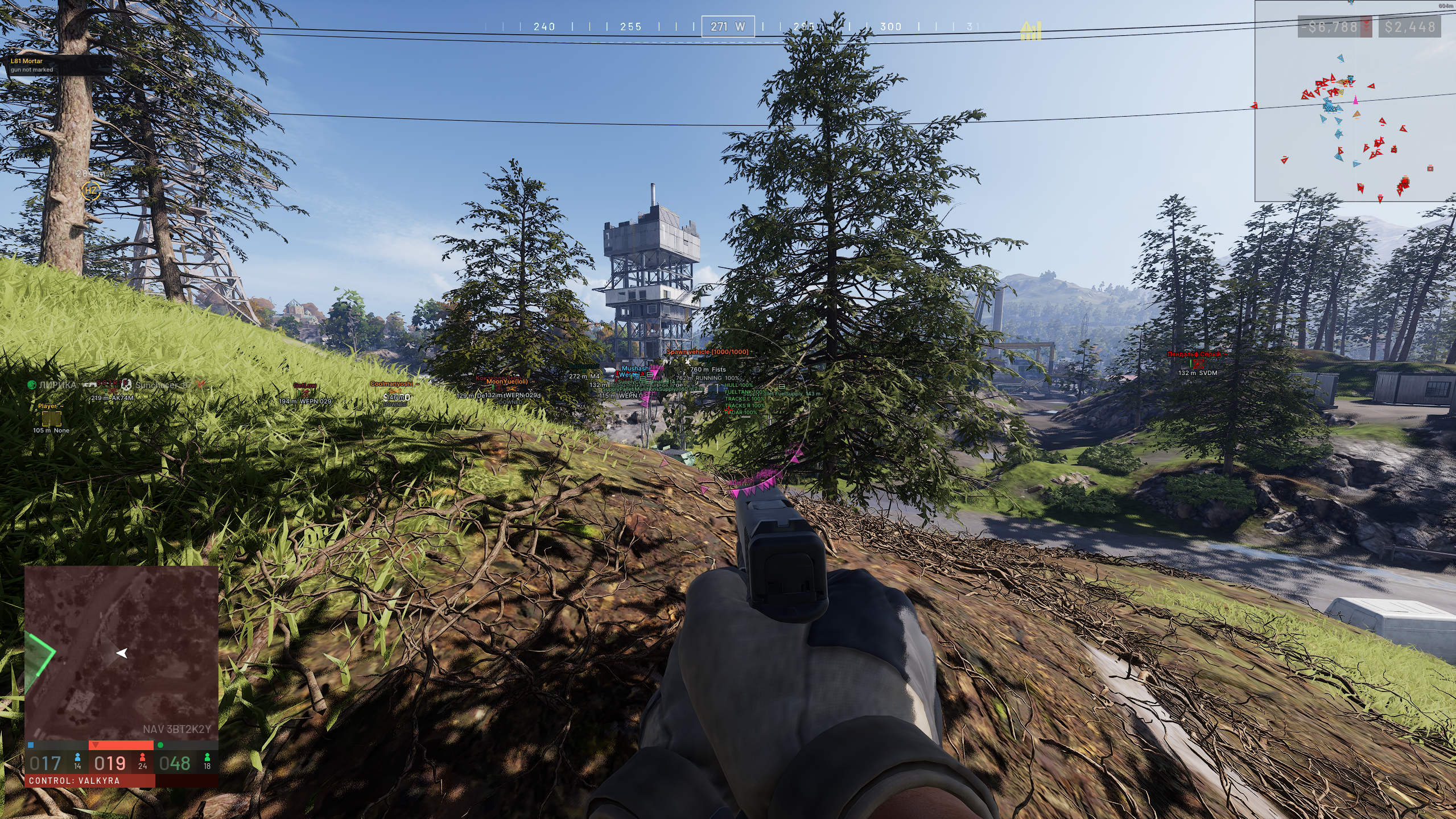
Names - Displays player nicknames above players' heads.
Skeleton - Enables display of the enemy's skeleton.
Bone Thick - Slider for adjusting the thickness of the skeleton lines (1-5).
Distance - Displays the distance to the target in meters.
Draw range - Player rendering range in meters (0-1000; 0 = no limit). Near the range border the ESP smoothly fades out and the text shrinks - the picture stays clean. More distant enemies are not rendered and do not load the reading channel.
Health - Enables the health bar (a vertical bar to the right of the box, with a white "ghost" of the last damage dealt).
Kills - Shows the player's kill count in the current match next to the box (K).
Player info - Shows additional information: damage dealt (DMG) next to the box and the survival level (LV) under the nickname.
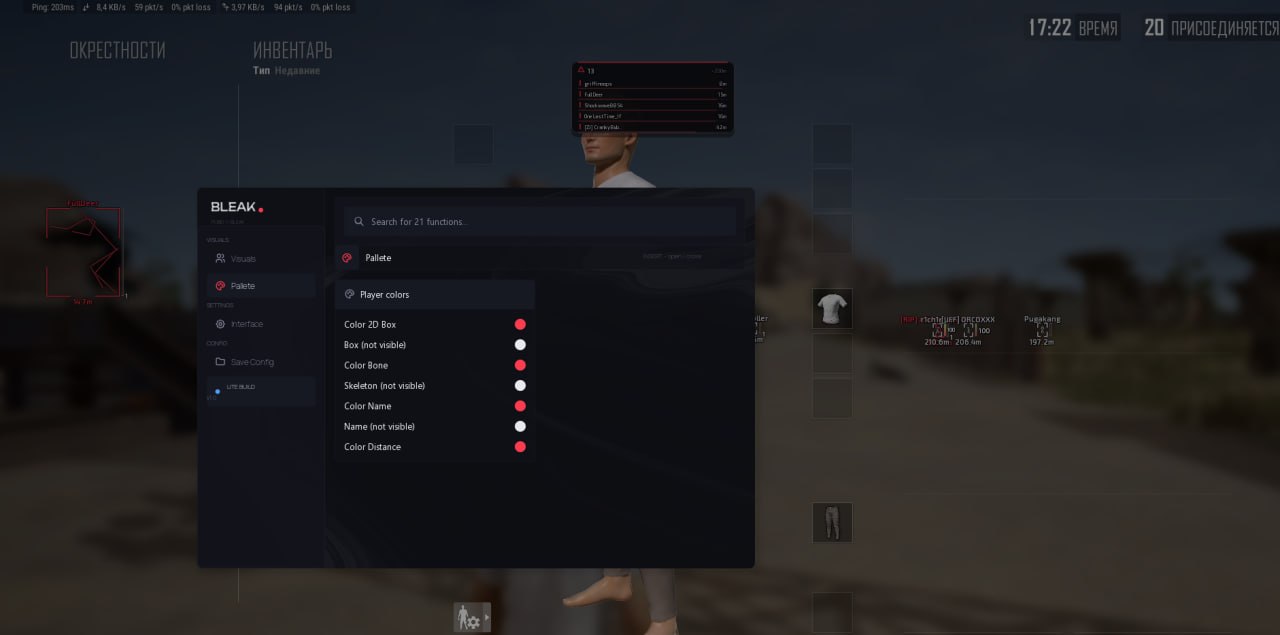
Danger warning - Warning panel about nearby enemies: a counter of enemies within 200m and a list of the 5 closest ones (name, distance bar, K/DMG). The panel is docked to the radar; with the radar off it sits top-center.
Knocked - Knocked-down players are highlighted with a dedicated color across all ESP elements - you instantly see who to finish off.
Preview - Live preview of your configured ESP right in the menu (box, skeleton, name, level, distance, health bar).
Palette (Colors):
Color 2D Box - Color of the box around the enemy.
Box (not visible) - Box color for the "not visible" rendering variant.
Color Bone - Color of the skeleton lines.
Skeleton (not visible) - Skeleton color for the "not visible" variant.
Color Name - Player nickname color.
Name (not visible) - Name color for the "not visible" variant.
Color Distance - Distance text color.