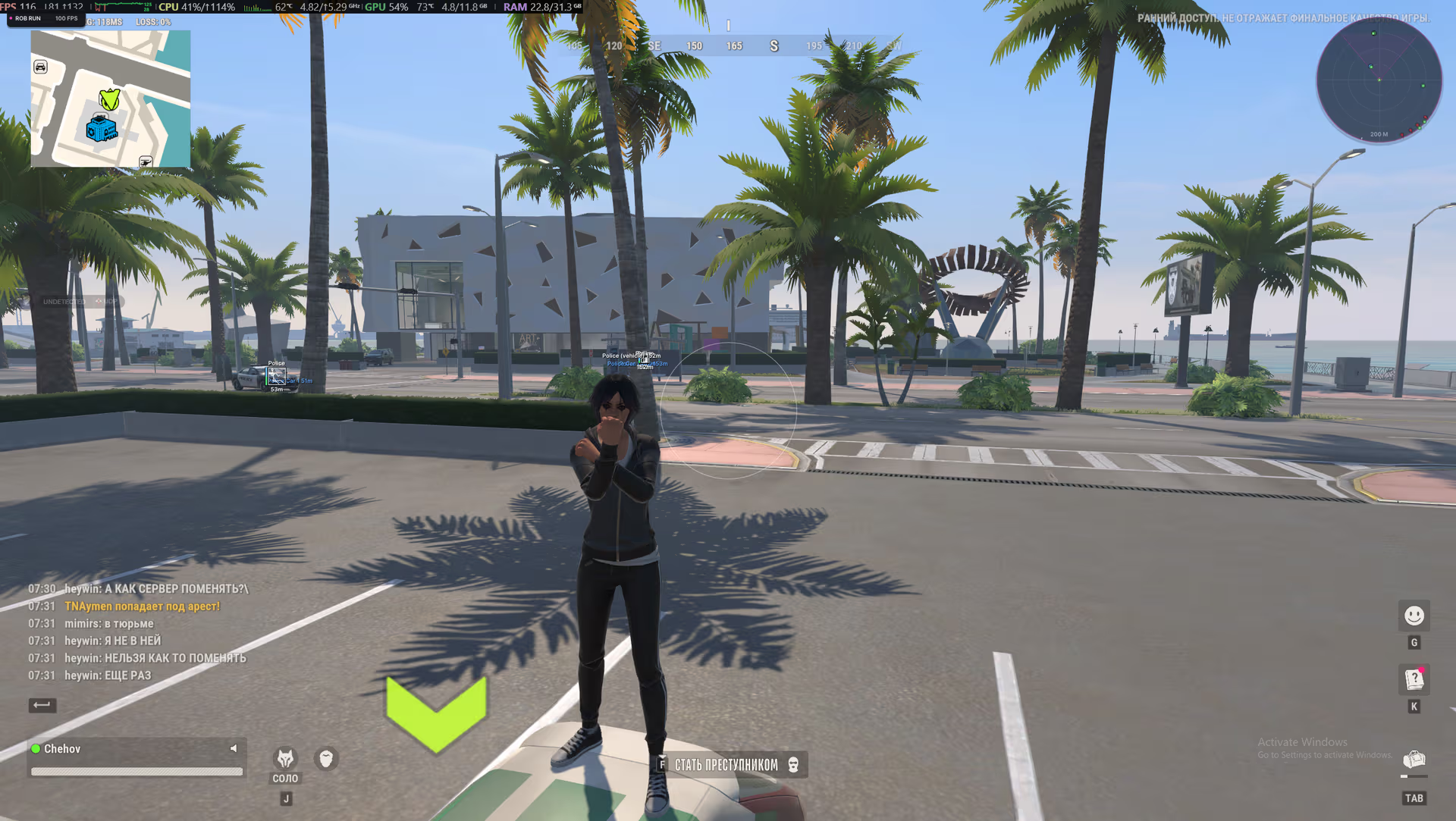
Visuals / Players — player ESP:
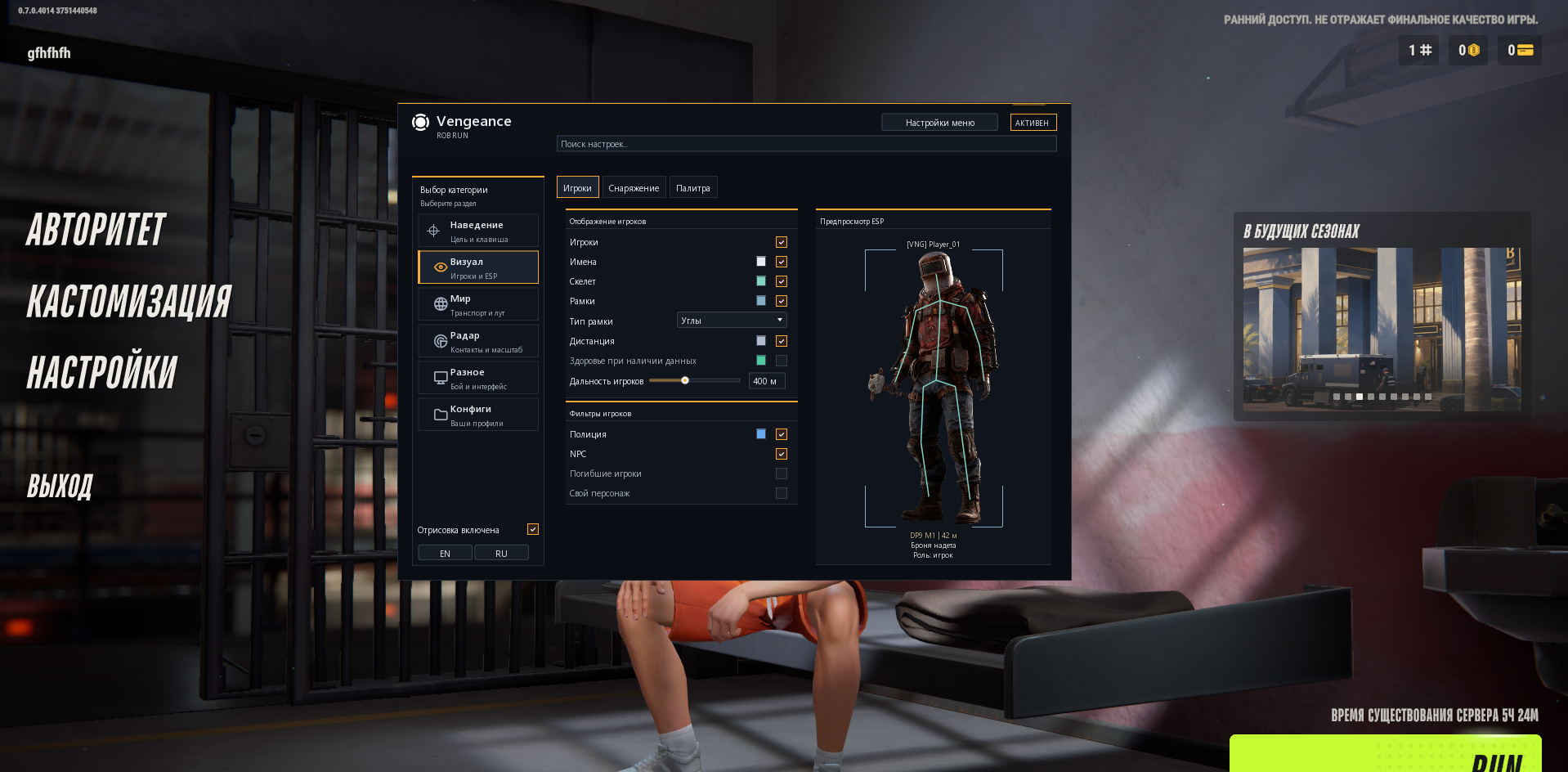
Players - Master switch for player ESP. Radar settings and zoom are configured separately.
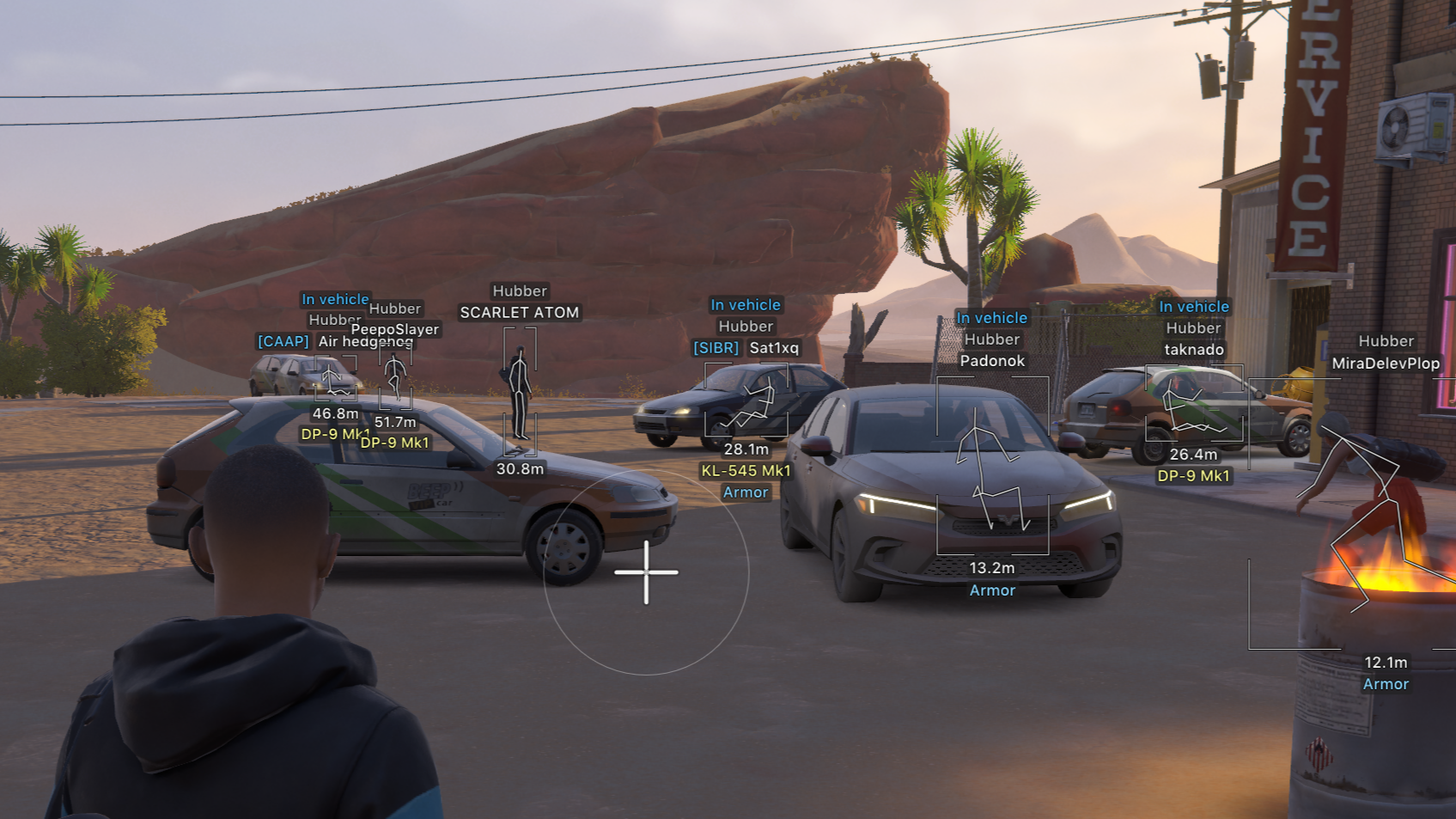
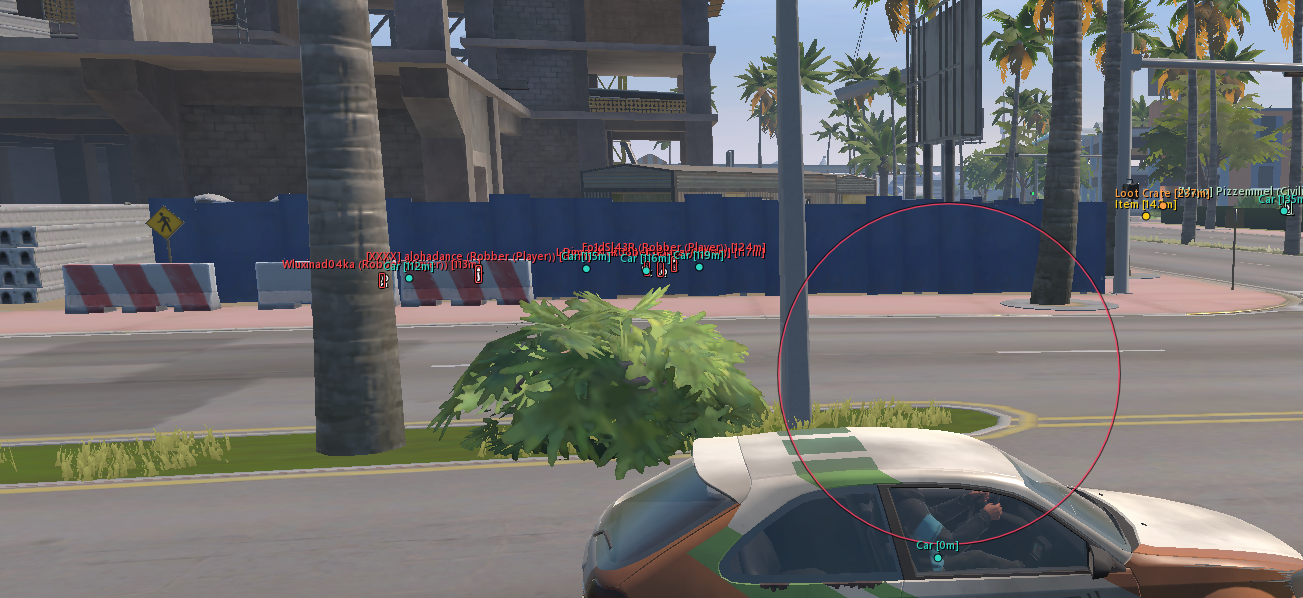
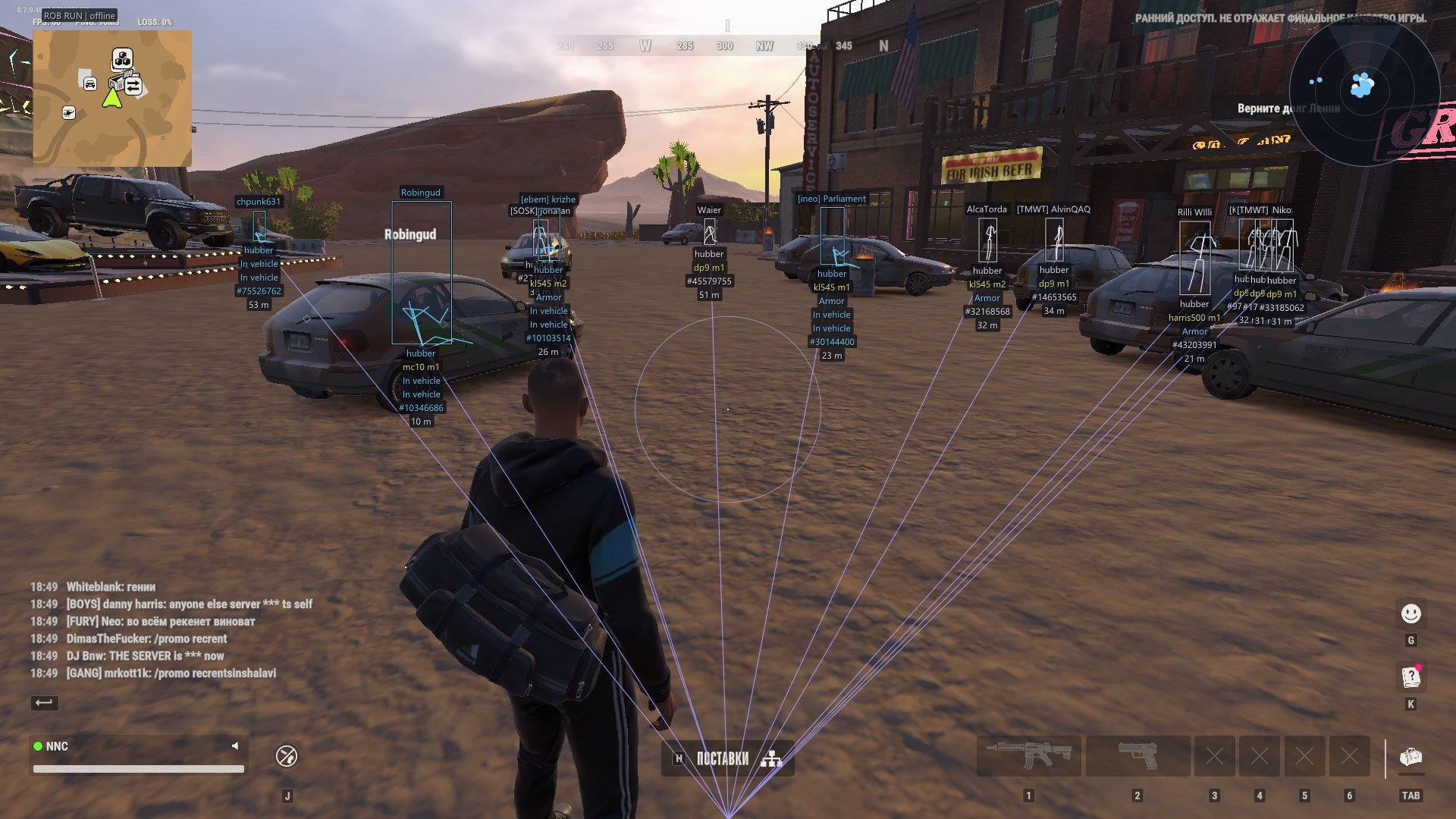
Names - Shows the nickname above the character, with optional clan tag, COP marker and entity ID.
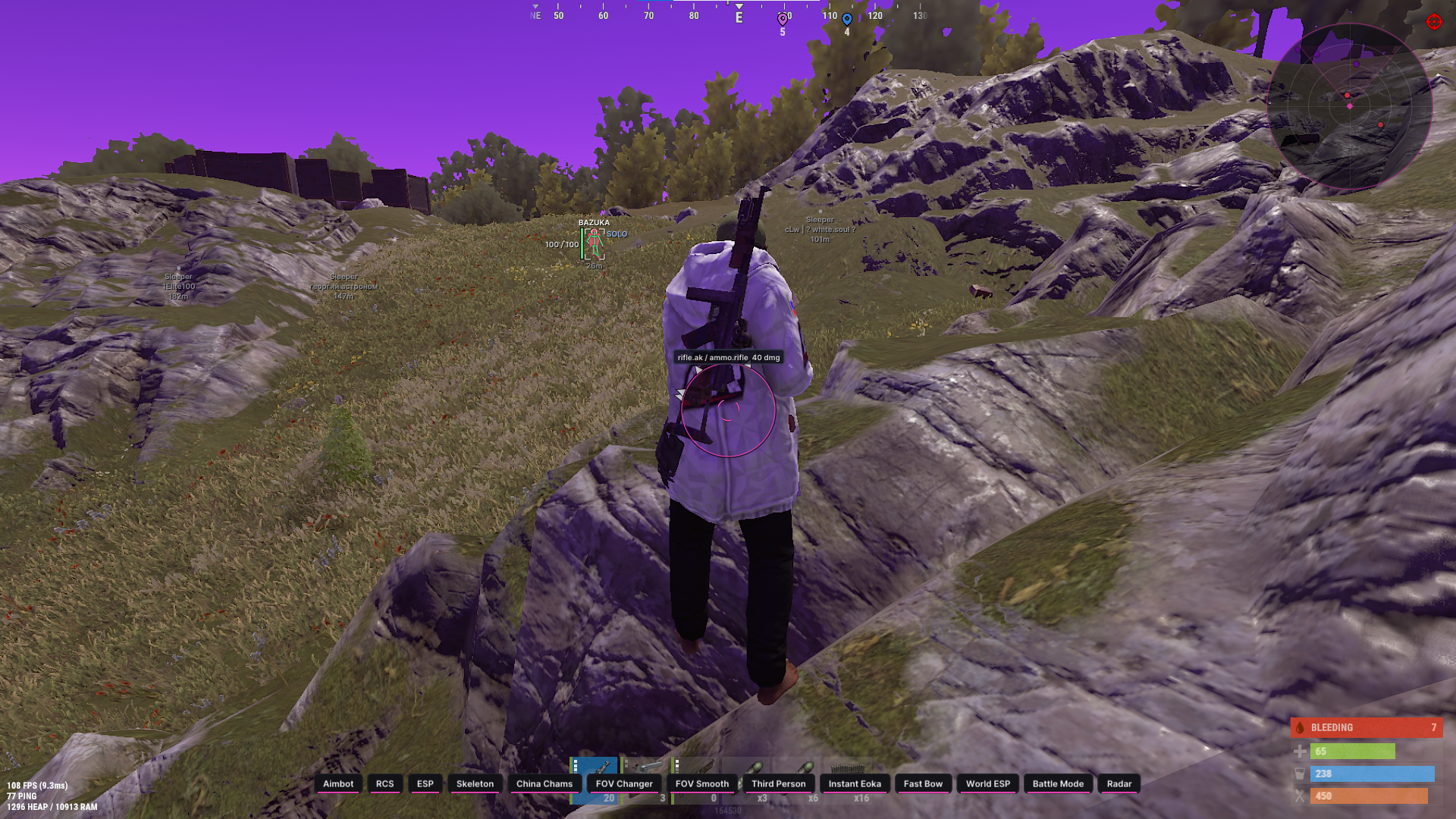
Skeleton - Shows measured joints. World root, rotation and local joints are smoothed between snapshots while retaining segment lengths. The camera is not smoothed. Short pose, joint or actor gaps can be covered for up to 150 ms without renewing measurement age; the pose follows root displacement. PID/model/view changes, teleports and scene exit reset state. Unmeasured joints are not invented. Automatically retries alternative skeleton anchors for incomplete model data. Animated legs are not rejected by a previous-frame length comparison; fixed segments use an outlier-resistant length estimate.
Boxes / Box style - Draws a Full or Corners box around the character. These are two screen-space box styles, not body fill.
Distance - Shows distance in metres in the existing lower player-label block.
Health when available - Shows a thin health bar to the left of the box only when current and maximum HP are available. Unknown health is not replaced by a fabricated value.
Player distance - Player ESP range: 10–1000 m. This slider does not set radar range.
Police - Separate police filter. Police use a COP label and dedicated colour rather than relying solely on the general NPC toggle.
NPC / Dead players / Local player - Separate ESP toggles for ordinary NPCs, dead characters and the local character. BattleMode applies its additional filtering.
ESP Preview - Previews player presentation inside the menu: box, skeleton, labels and supported indicators. It is a visual sample, not an additional live player.
============================================
Visuals / Equipment — equipment and labels:
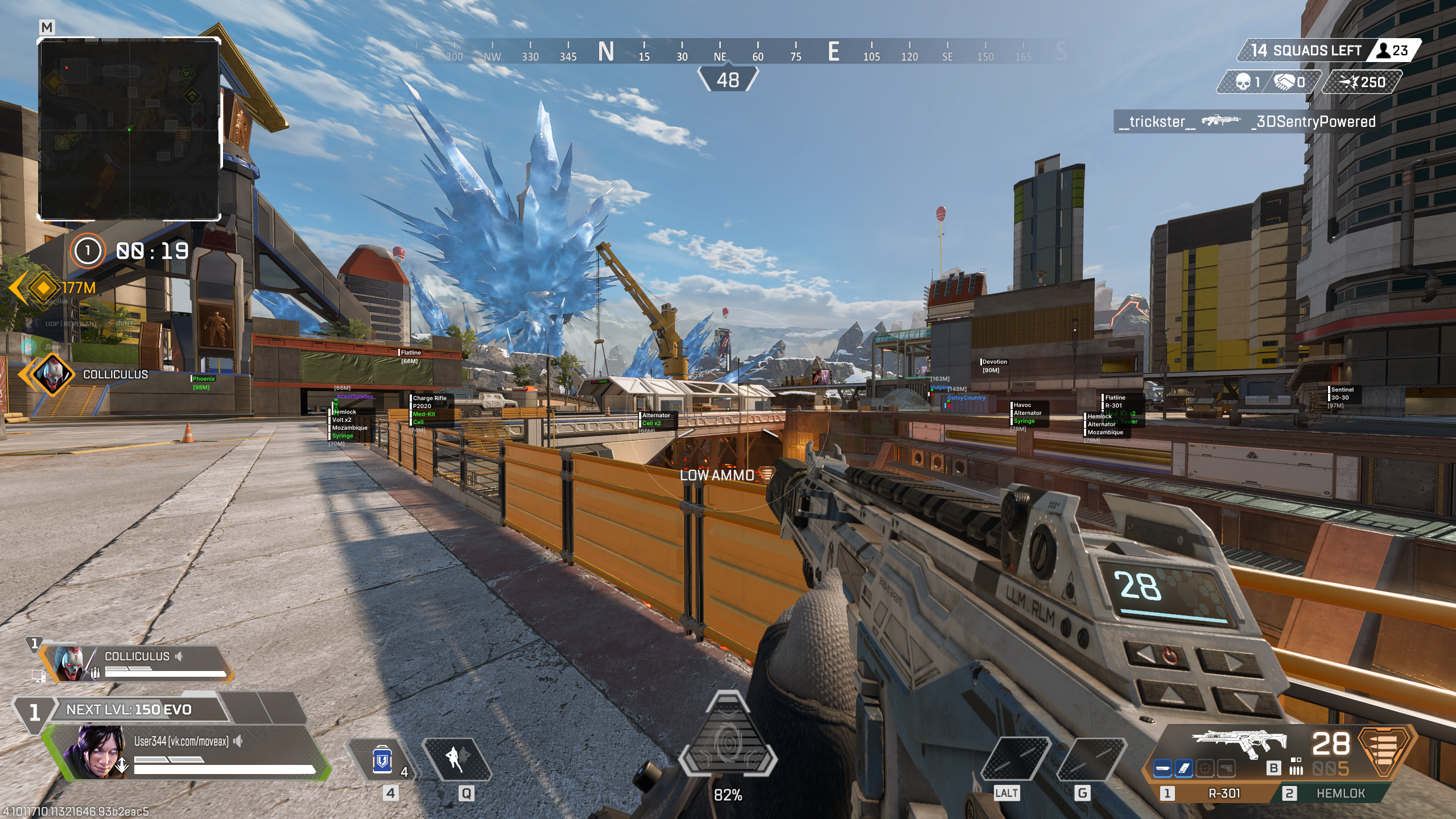
Weapons / held item - Shows the held weapon or item when its description is available. Weapon model names and numbers retain their original designations.
Armor indicator - Shows armour presence; a numeric amount or durability is added only when available. This is not a separate full armour bar.
Role label / Clan tags - Separate toggles for the character role and clan tag.
Character states - Shows available states such as firing, sprinting, crouching, reloading, arrest and knockout. Availability depends on the character data.
Entity IDs - Adds a technical entity ID to player labels. Ordinary world-item labels do not replace an unknown name with a numeric ID.
Bone thickness - Skeleton line thickness: 1–4.
============================================
World / Vehicles — vehicles:
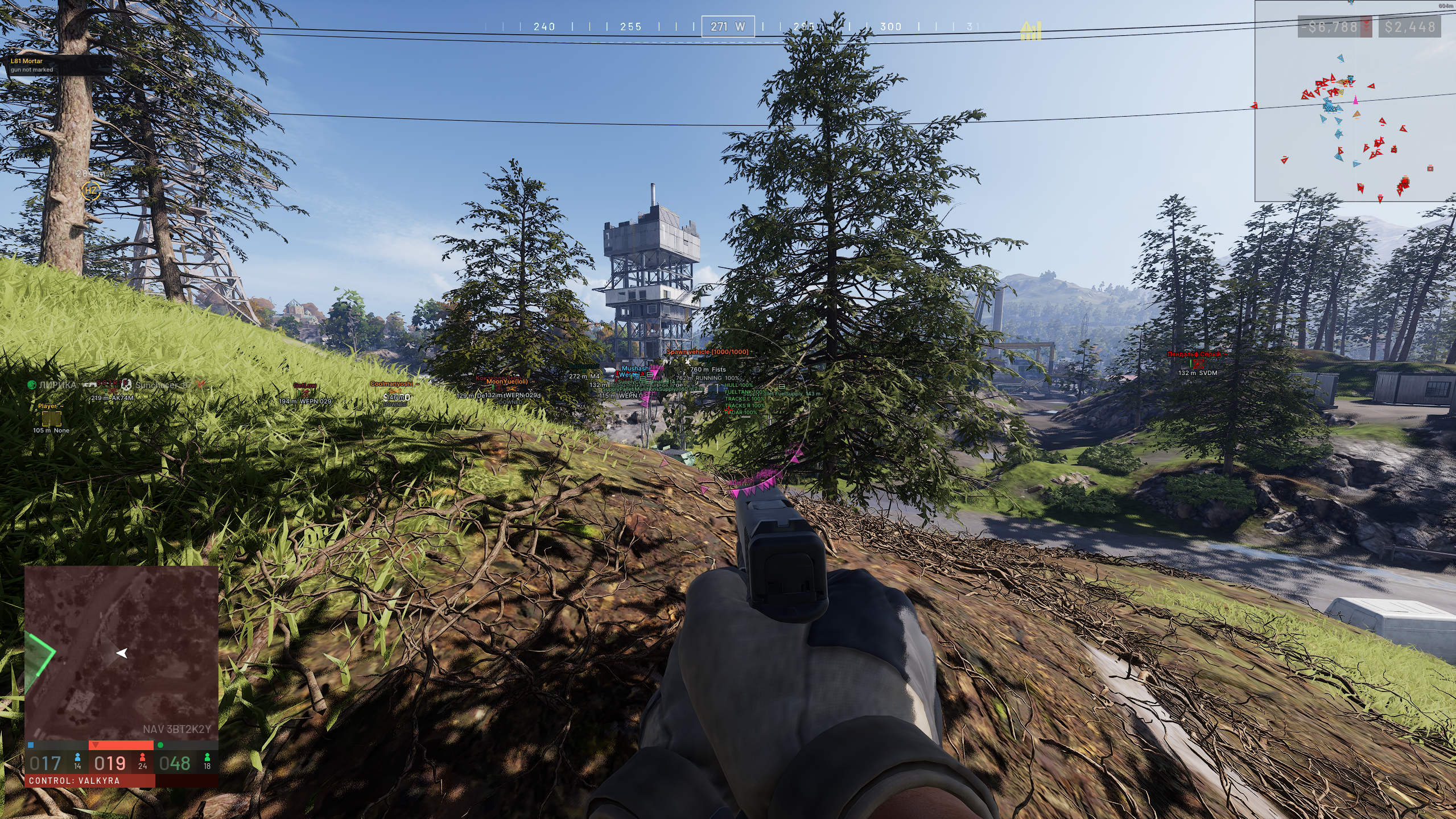
Vehicles - Shows cars and helicopters in the game world. Vehicle radar markers have a separate switch.
3D boxes - Draws oriented 3D bounds when vehicle dimensions and orientation are available.
Vehicle Labels - Shows the name above the distance. Vehicle palette colour and opacity are preserved.
Vehicle distance - World vehicle ESP distance: 20–1500 m.
Owner / available - Adds the available owner name or unowned/available state to the detail line.
Passengers - Shows the number of detected characters associated with the vehicle, not a guaranteed complete seat roster.
Engine state / Cargo in vehicle - Shows engine state and cargo presence when the relevant data is available.
Vehicle / world details / Detail distance - Vehicle details are enabled separately and shown nearby. Detail distance is 10–500 m. Available speed data is also shown in km/h.
============================================
World / Objects — items and containers:
Loose items / cash - Shows static and random world pickups and cash nodes. Known stack counts or cash amounts are included in the label.
Item distance - Loose-item range: 10–1000 m, additionally limited by World distance.
Loot nodes / bags - Shows loot nodes, bags and available vehicle remains. It does not automatically reveal every container's full inventory.
Containers - Shows containers and available furniture, building and plot loot stores.
Empty / taken - Allows objects known to be empty or taken to remain visible. An unknown state is not declared empty.
Cargo objects - Separate layer for available cargo objects.
World distance - Overall world-object display range: 10–1000 m.
Object Label Layout - Normal world labels use two centred rows: name above, distance below. There is no separate Compact ESP mode and no automatic opacity adjustment.
Avoid overlapping labels - Suppresses overlapping labels. Objects are considered by distance and item labels take priority over vehicles; label count is bounded for readability.
Readable Names / Russian Translation - Russian language applies at draw time to items, displays, containers and vehicles. The dictionary is checked against 846 available SDK entries, including 92 weapon-model entries whose designations are preserved. Supports variants, Mk, ×N counts and Full/Cumulative IDs. Nicknames and owner names remain unchanged.
World Refresh Stability - A failed collection or item read does not immediately remove the last successful marker. Unknown state may be retained for up to 1.5 s; confirmed removal/empty state applies immediately. Equal-distance label priority is stable.
============================================
World / Interactions — cameras and map objects:
Security cameras - Separate surveillance-camera markers from building data. A broken-state marker is added when that state is available.
Camera Updates - Camera discovery is batched and cached, so new markers may take time to appear. This is camera ESP, not access to camera video feeds.
Guard posts - Marks stationary guard locations. These do not replace police-character ESP and are not automatically classified as police.
Security / alarms - Shows available alarms and security panels.
Medical cabinets - Separate filter for medical cabinets and medical locations.
Doors - Shows available doors and associated interaction points, including supported vault locations.
Other interaction points / Points of interest - Separate switches for additional interaction points and map points of interest.
Traders / Vehicle spawn points - Shows traders and vehicle spawn/service points.
Hideouts / Workbenches - Shows hideouts and available workstations, including supported cargo-processing or exchange locations.
Banks / Roulette - Separate toggles for banks and roulette locations.
============================================
Radar — contacts and placement:
Radar - Shows a grid radar, character markers and a compact local direction arrow. This version does not claim a full location-map background.
Rotate radar - Rotates the radar with the camera heading; enabled by default. You can later disable it and save that preference.
Radar size - Radar size: 100–400 px.
Radar zoom - Manual zoom: 0.05–5.00. Larger values zoom in further and provide the baseline for auto zoom.
Radar X / Radar Y - Sets radar position within screen width and height.
Radar Players - Shows character direction arrows with available labels and distances. Uses look direction when available, otherwise body heading. Long direction rays are removed.
Distant Radar Contacts - Out-of-range contacts are clamped to the edge and dimmed. Distance appears when Radar labels is enabled. An edge marker does not mean that the player is nearby.
Radar Vehicles - The separate Radar vehicles switch is independent of world vehicle ESP. BattleMode hides vehicles. Radar uses icons without vehicle names; distances follow Radar labels.
Radar labels - Toggles contact names and distances, including vehicle distances. Disable it to keep icons only; the BattleMode indicator remains available.
Radar Filters - Uses the relevant BattleMode, police and NPC filters. Player radar does not require ordinary player ESP to be enabled.
Radar players colour - Dedicated radar-contact colour; police use the police palette.
============================================
Radar / Auto zoom — smooth proximity zoom:
Smooth auto zoom - Smoothly zooms toward eligible nearby living contacts and returns to manual zoom when the contact moves away.
Reaction range - Auto-zoom reaction distance: 30–500 m.
Maximum auto zoom - Maximum auto-zoom setting: 0.05–5.00. Auto zoom does not zoom out below the manual baseline.
Zoom response - Zoom response time: 0.15–2.00 s. Lower values react faster.
Ignore same clan - Excludes the same non-empty clan from zoom triggers. Dead characters, ordinary NPCs and allied police are also excluded; BattleMode adds its opponent filter.
Manual Scale Preservation - The manual Zoom value is not overwritten. Radar size is considered to keep the triggering contact away from the edge where possible.