Evicted AI Aimbot для Rust — искусственный интеллект на страже вашего превосходства
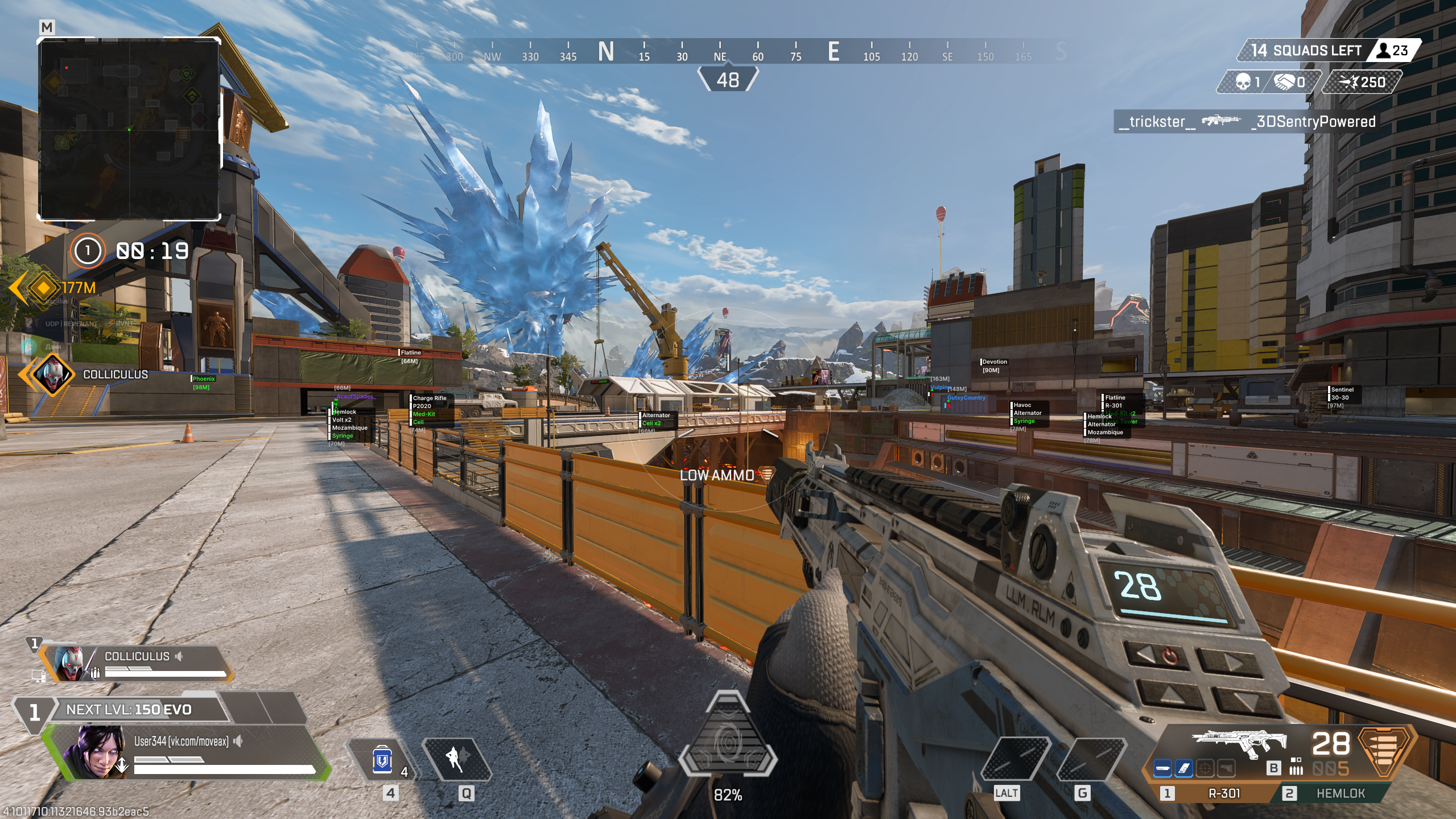
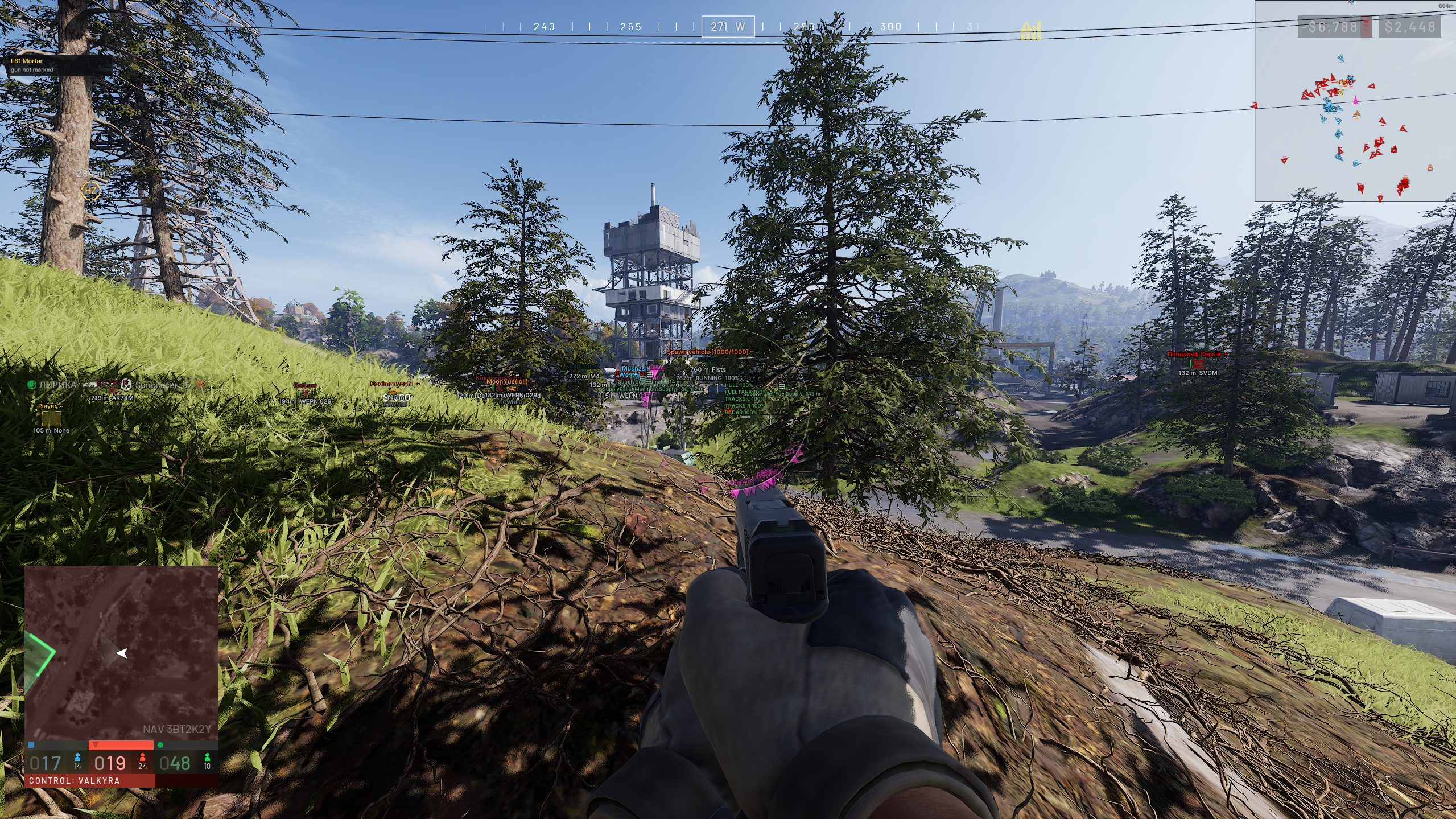
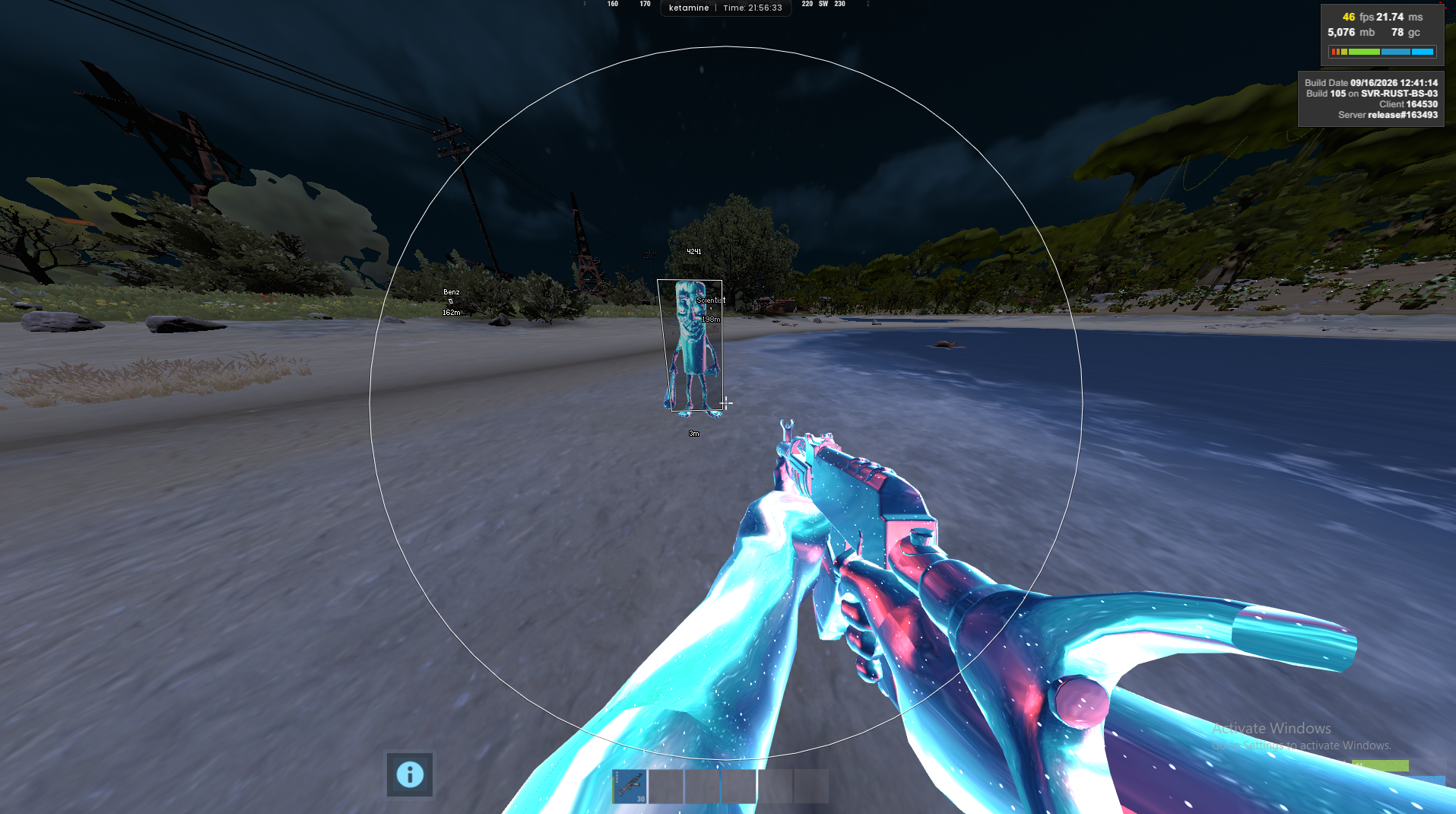
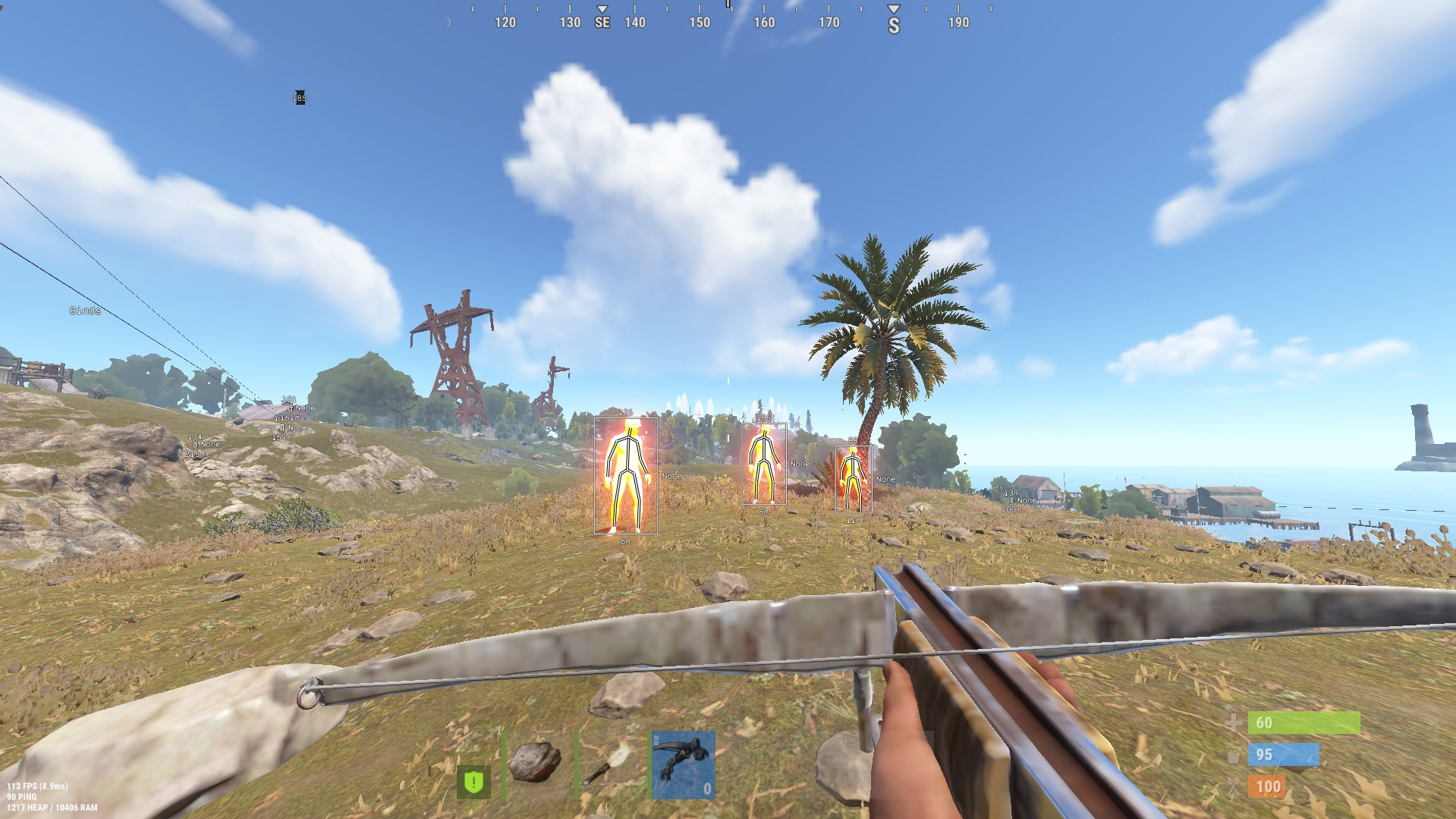
Современные шутеры требуют не только быстрой реакции, но и технологического преимущества. Приватный софт Evicted AI Aimbot — это революционное решение, использующее компьютерное зрение (YOLOv5) для обнаружения противников. В отличие от традиционных читов, Evicted не читает и не изменяет память игры, поэтому он полностью невидим для античитов. Это универсальный инструмент, который работает в Rust, CS2 (включая FACEIT), Valorant, PUBG, Apex Legends, Warzone, Fortnite, Rainbow Six Siege, Roblox и любых других играх с человеческими персонажами.
Почему Evicted AI Aimbot — лучший выбор для Rust
- Полная необнаружимость: Аппаратный принцип работы и отсутствие взаимодействия с памятью игры исключают риск бана.
- Универсальность: Один софт для всех популярных шутеров — от тактических CS2 и Valorant до динамичных Fortnite и Warzone.
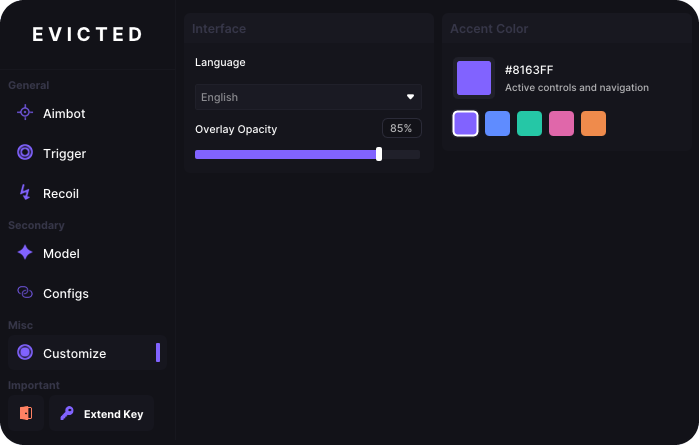
- Точный AI-аимбот: Автоматическое наведение на противников с настройкой плавности и радиуса обзора для естественной игры.
- Компьютерное зрение YOLOv5: Мгновенное распознавание целей даже в сложных условиях освещения и на дальних дистанциях.
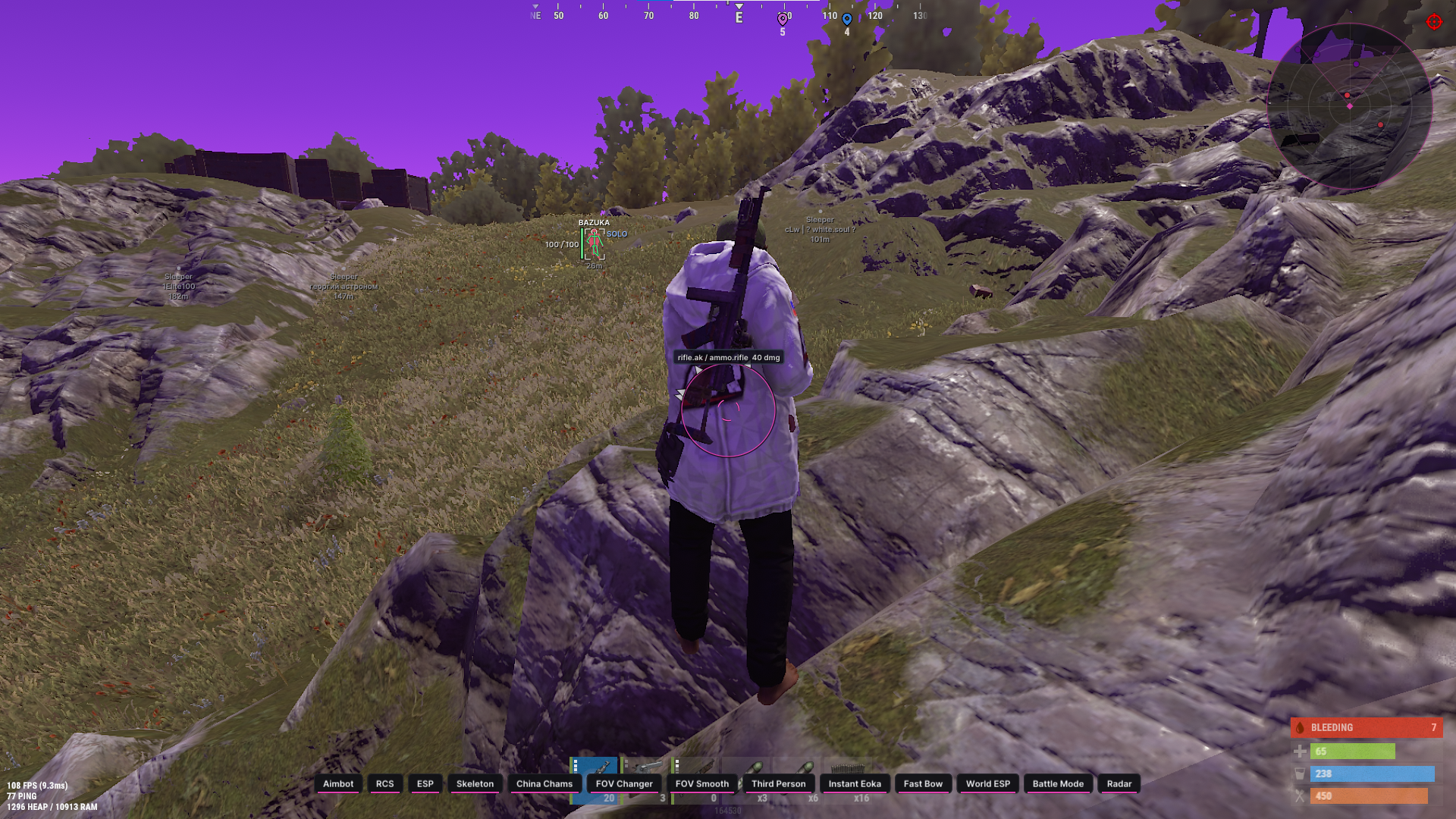
- Поддержка Rust: Оптимизированная работа в Rust с учётом механики стрельбы и особенностей карты.
Технологическое превосходство в каждом матче
Evicted AI Aimbot создан для игроков, которые ценят безопасность и универсальность. Благодаря использованию искусственного интеллекта софт адаптируется под стиль игры пользователя, обеспечивая максимальную эффективность без подозрений со стороны античит-систем. Забудьте о необходимости покупать отдельный чит для каждой игры — Evicted работает везде, где есть человеческие персонажи.
Безопасность и простота использования
Магазин Industries Cheat предоставляет эксклюзивный доступ к Evicted AI Aimbot. Софт не требует сложной настройки, регулярно обновляется и поддерживается командой разработчиков. Вы получаете не просто чит для Rust, а универсальное технологическое решение для абсолютного превосходства в любом шутере.








.avif)
