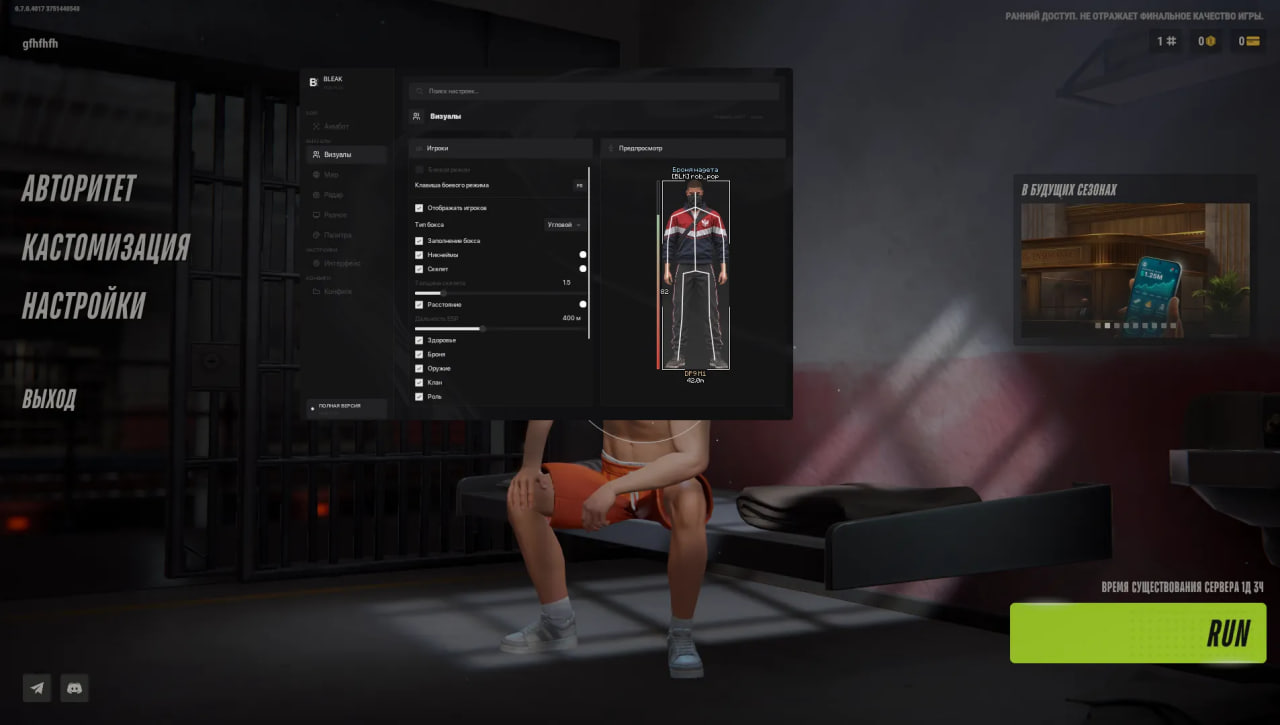
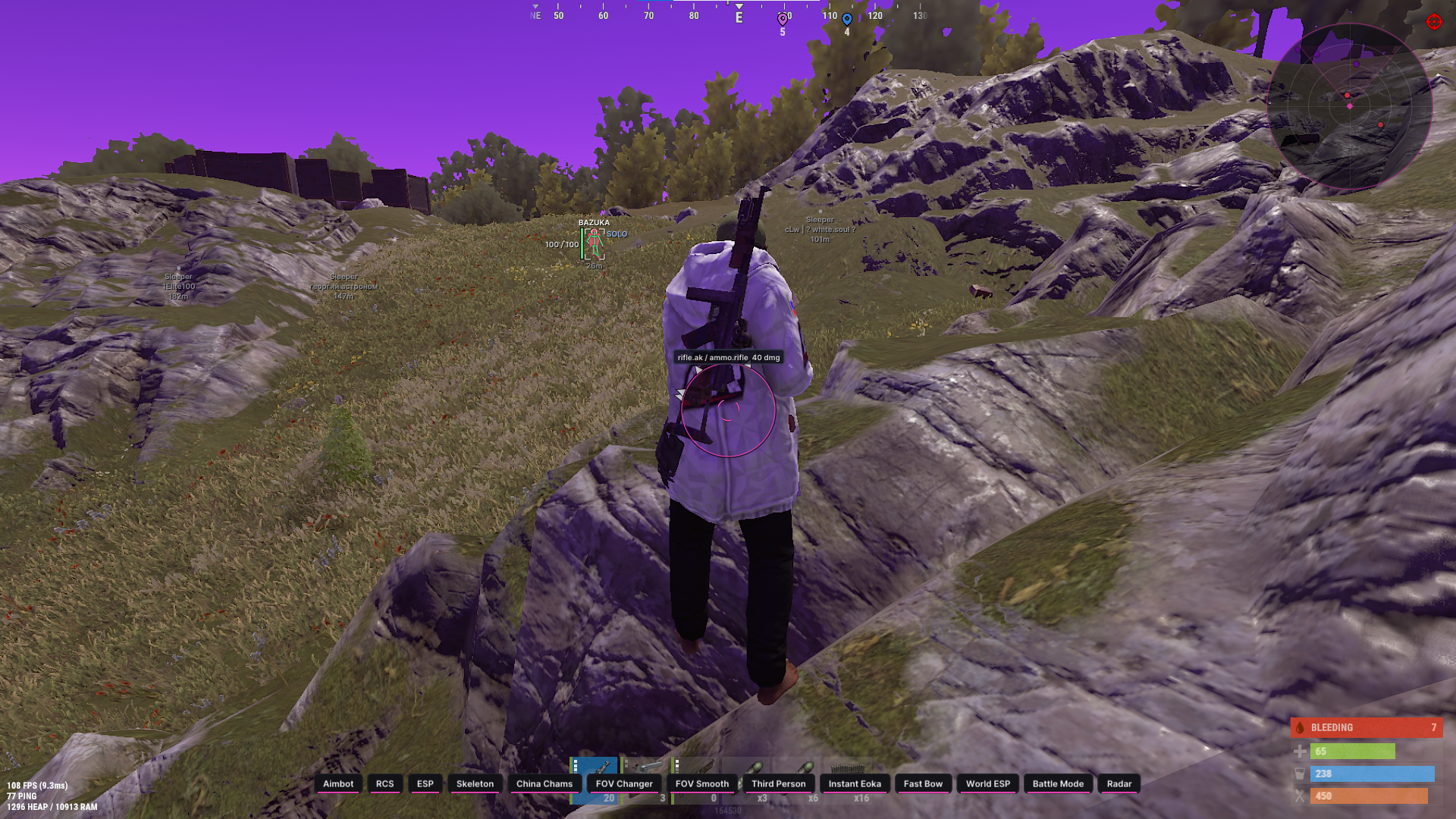
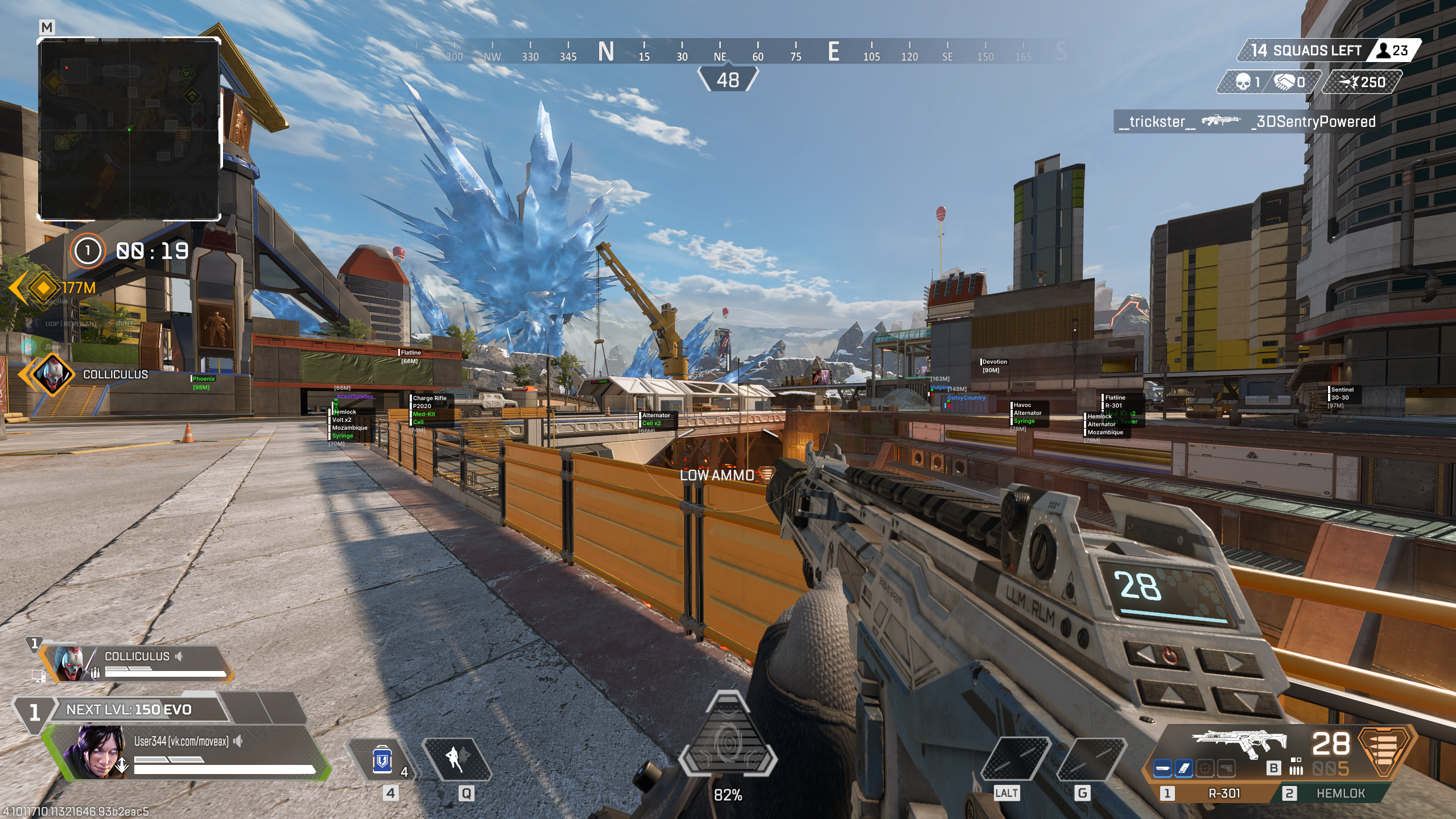
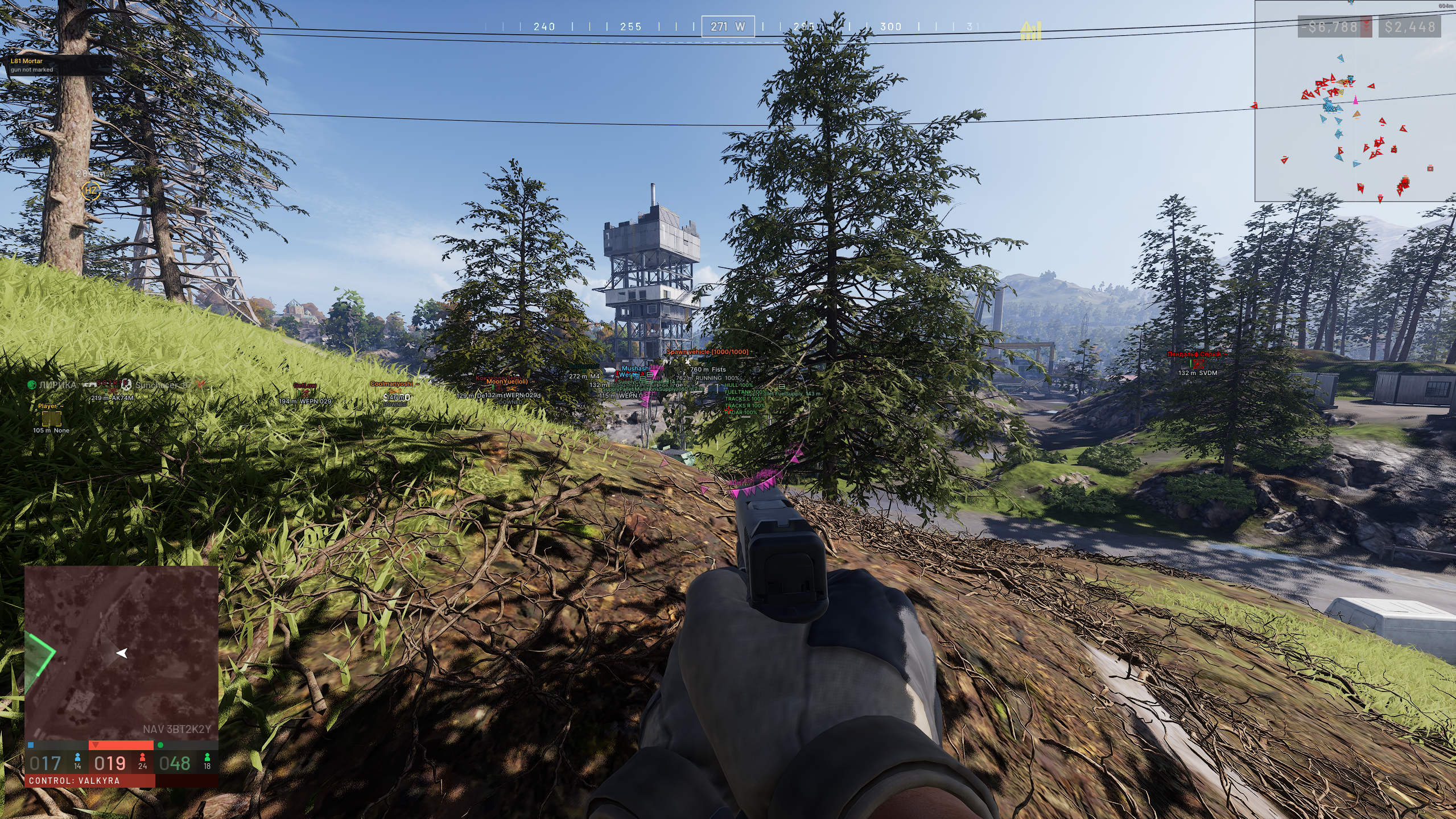
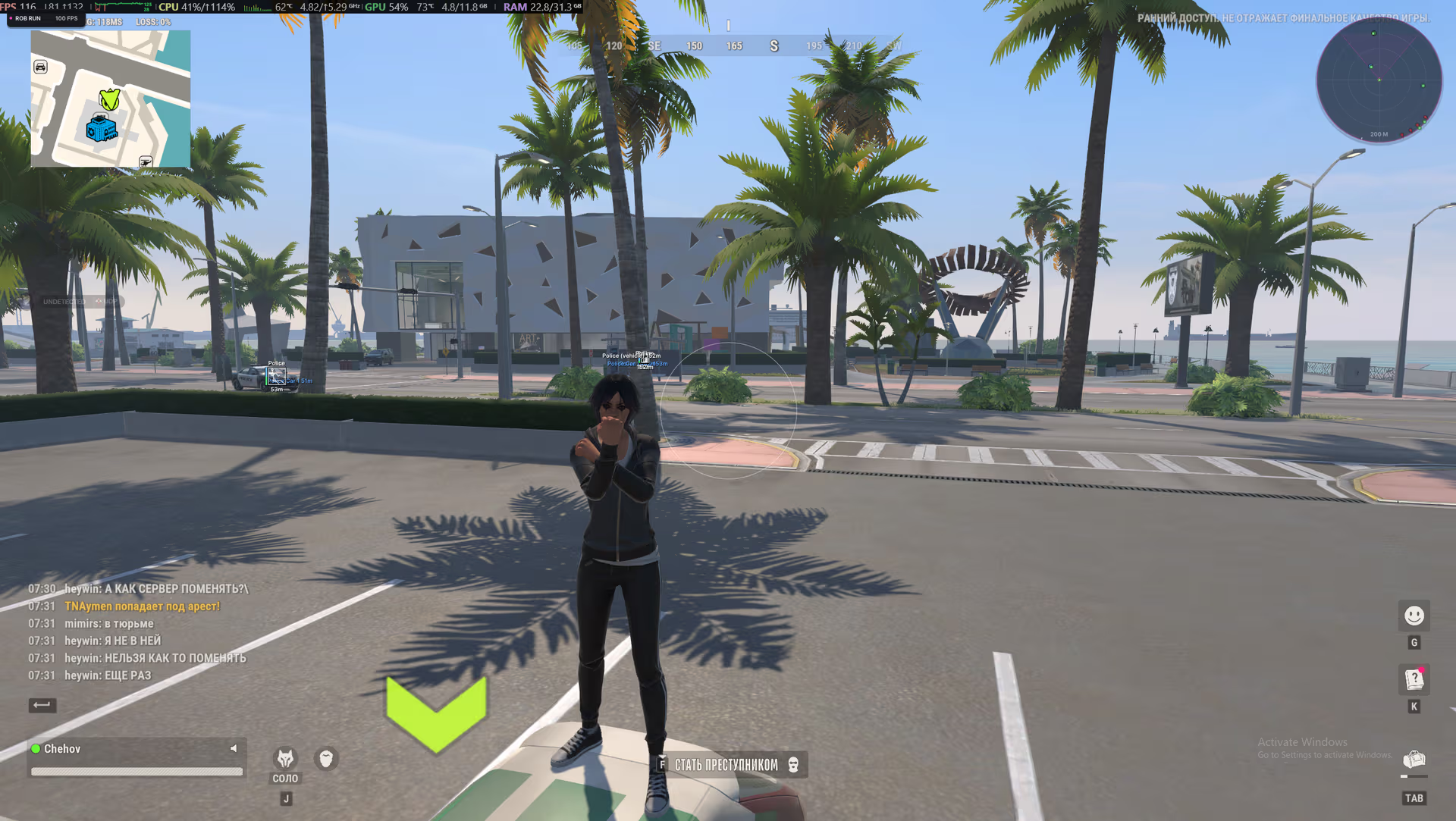
Visuals / Players — player ESP:
Players - Main player ESP toggle. Radar is controlled separately.
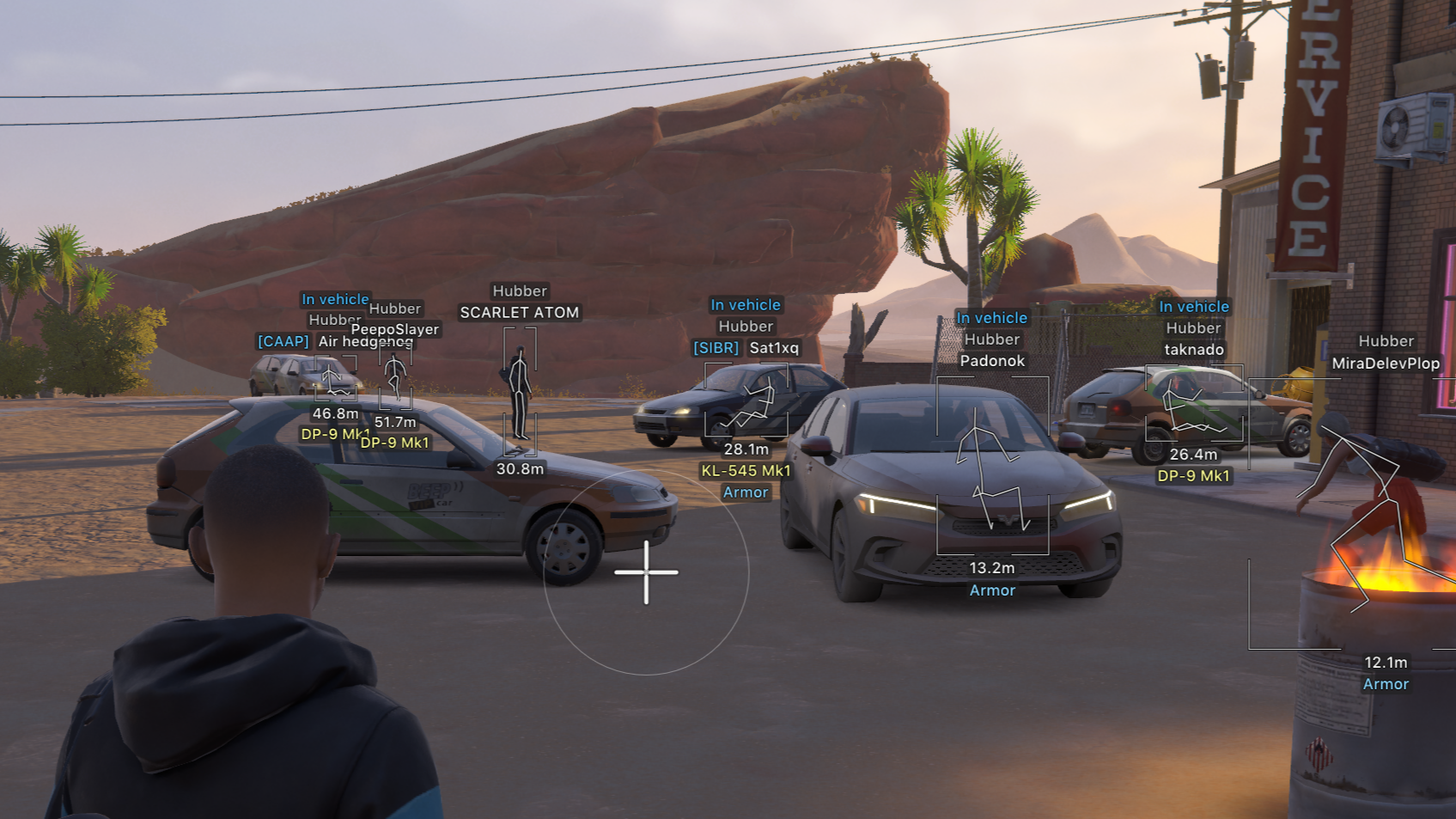
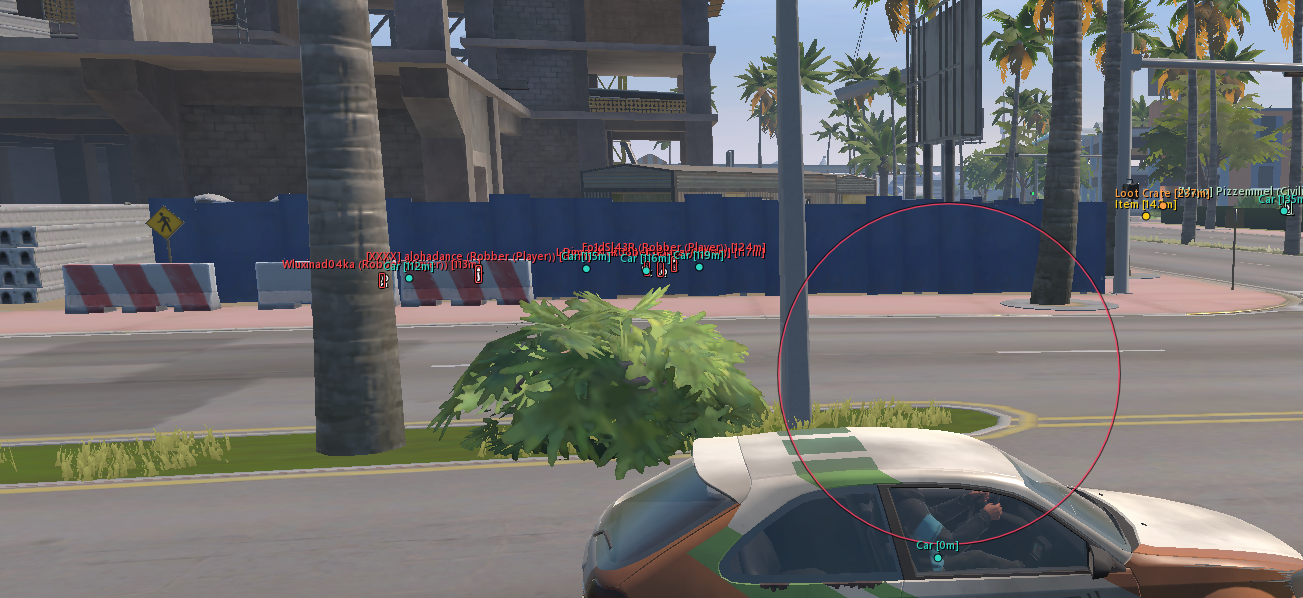
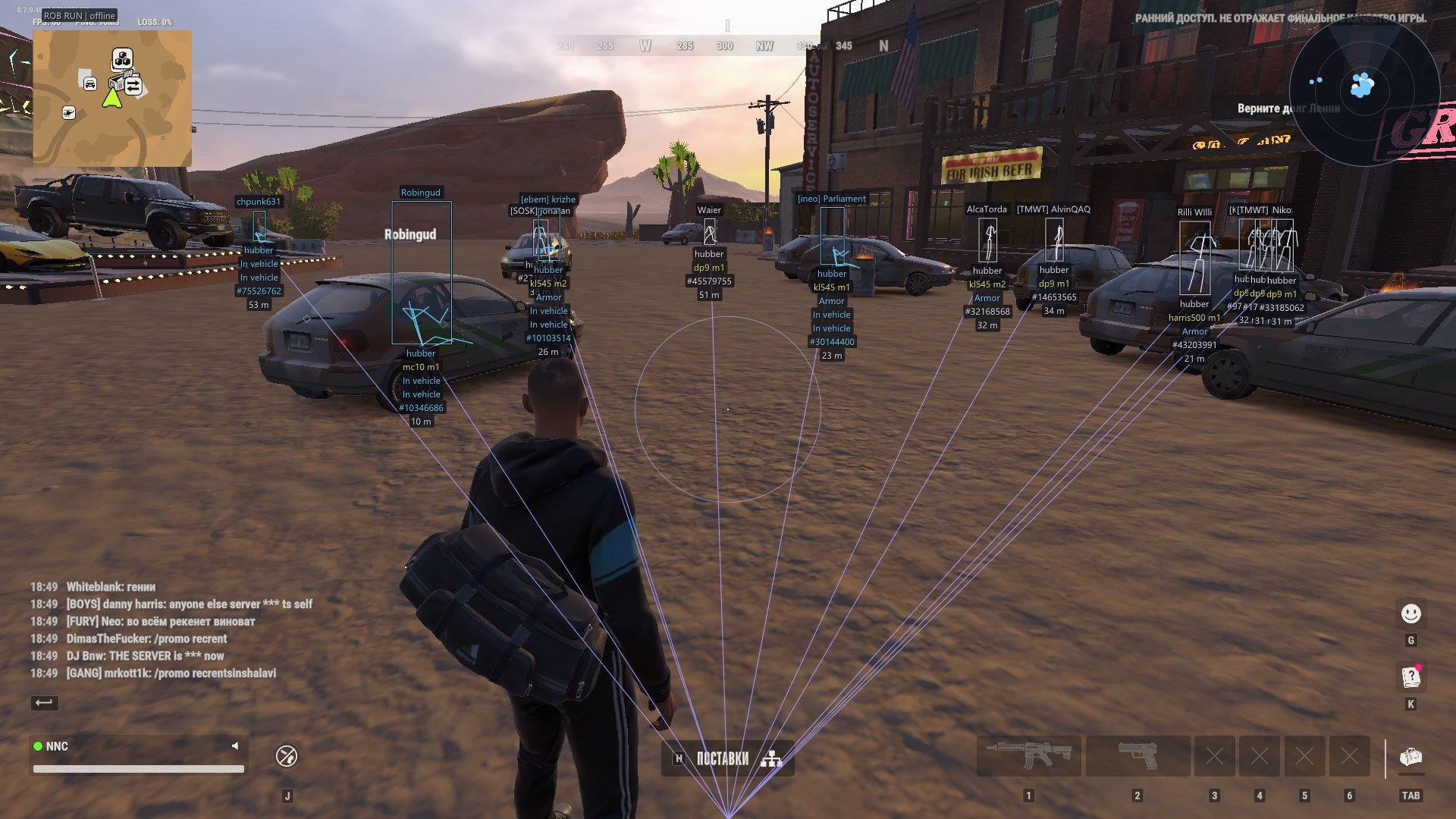
Names - Displays the nickname above the character, with optional clan tag, police marker and entity ID.
Box type - Choose Full box, Corner box or None.
Box fill - Separately enables translucent box fill. Enabled by default.
Skeleton - Displays available actual character joints. Pose updates are smoothed, with short data gaps handled by retaining a recent pose within validity limits.
Bone thickness - Skeleton line thickness: 1–4. Colour is configured separately.
Distance - Character distance in metres, shown in the label block below the player.
Player distance - Maximum player ESP distance: 10–1000 m. This slider does not limit radar.
Health - Health bar to the left of the box, with a numeric value when current and maximum HP are available.
Police - Separate police filter, dedicated colour and [COP] / [ПОЛ] marker.
NPC / Corpses - Independent toggles for ordinary NPCs and dead characters. The local character is excluded from ESP and has no display toggle.
ESP Preview - Preview of the box, skeleton, labels and supported indicators on the Visuals page.
Visuals / Equipment — equipment and states:
Held item - Displays the held weapon or item when its description is available, with an empty-hands label when appropriate.
Armor - Shows the presence of armour and adds a numeric value when available. Armour colour is separate.
Clan - Adds a non-empty clan tag to the character name.
Role - Displays the available character role. Enabled by default.
States - Displays available firing, sprinting, crouching, reloading, arrest and knockout states. The set depends on character data.
IDs - Adds the entity ID to the character label. Available on the Visuals page.
World / Vehicles — vehicles:
Vehicles - Displays cars and helicopters in the world. Radar vehicles have an independent toggle.
Vehicle boxes - Three-dimensional boxes using available vehicle dimensions and orientation.
Vehicle labels - Name and distance share the main row; additional information uses a separate row. Colour and opacity are configured in Palette.
Vehicle distance - World vehicle ESP distance: 20–1500 m.
Owners - Adds the available owner's name or an unowned-vehicle marker.
Passengers - Shows the number of detected characters associated with the vehicle.
Engine / Vehicle cargo / Speed - Separate toggles for engine state, cargo presence and speed in km/h. Information appears when available.
Detailed information / Detail distance - Enable details in Misc and set their display distance from 10 to 500 m.
World / Objects — items and containers:
Dropped items - Dropped items and available cash points. Known quantities or amounts are retained in the label.
Item icons - Uses game icons for known items. Enabled by default; disable to retain text-only labels.
Base item prices - Shows a known item's base price with a $ sign. Enabled by default. This is the catalogue price per unit, not a stack total or current market price.
Loot bags - Separate filter for loot points and bags. A container or bag marker does not imply a full contents view.
Containers - Containers, display cases, shelving and supported storage from available world data.
Cargo - Separate layer for cargo objects.
Empty objects - Allows confirmed empty or taken objects to remain visible. Disabled by default; unknown state is not treated as empty.
Item distance / World distance - Item distance and the overall world-object limit are separate, each ranging from 10 to 1000 m. Items obey both limits.
Object label layout - The icon sits above the name; distance and the enabled price are below the name. Rows are centred on the object's position.
Weapon category - Weapons receive an additional WEAPON / ОРУЖИЕ category line above the name.
Distance / Overlap fading - Distant world labels fade smoothly. When labels overlap, the farther label becomes more transparent. Icons and text fade together; minimum multipliers are 75% for distance and 55% with overlap, before palette alpha.
Object dots - Optional dots at object positions. Disabled by default; enable on the World page.
Object positions / Readable names - Labels stay at their projected object coordinates. Known names are translated during rendering; unnecessary technical numeric suffixes are cleaned up while weapon model designations are preserved.
World / Interactions — cameras and map objects:
Cameras - Separately enables security cameras. A damage marker is used when that state is available.
Guards - Stationary guard-post markers, separate from police characters.
Security - Available alarms and security panels.
Medical - Medical cabinets and supported medical points.
Doors - Available doors and associated interaction points.
Interactions / Points of interest - Independent filters for additional interactive objects and points of interest.
Traders - Displays available traders.
Vehicle spawns - Vehicle-service and spawn-point markers.
Hideouts / Workbenches - Separate toggles for hideouts and available workstations.
Banks / Roulette - Separate toggles for banks and roulette locations.
Radar — contacts and placement:
Radar - Square radar with centre guide lines and a local-direction marker.
Radar rotate - Rotates the radar with the camera direction. Enabled by default.
Radar contacts - Displays players and police. Available direction data produces compact arrows; otherwise circular markers are used.
Radar labels - Player nicknames beside markers. Disabling leaves icons only. The current BLEAK presentation does not add contact-distance text.
Radar vehicles - Independent radar-vehicle toggle. Compact icons have no vehicle-name labels. Vehicles are hidden in Battle Mode.
Radar size - Size: 100–400 pixels.
Radar zoom - Manual zoom: 0.05–5.00. Higher values zoom in more.
Horizontal / Vertical / Drag - Set horizontal and vertical position with sliders, or drag the radar with the mouse while the menu is open.
Radar range / Filters - Contacts are drawn inside the square. Police, NPC and Battle Mode filters apply; dead characters are excluded. Player ESP distance does not limit radar.
Radar player colour - Separate radar-player colour. Police use the dedicated police colour.
Radar / Auto zoom — smooth automatic zoom:
Auto zoom - Smoothly zooms in when an eligible character is nearby, returning to the manual scale as the contact moves away.
Reaction range - Automatic zoom reaction distance: 30–500 m.
Maximum zoom - Maximum automatic zoom: 0.05–5.00. Automatic zoom does not zoom out below the manual baseline.
Zoom speed - Transition time: 0.15–2.00 s. Lower values respond faster.
Ignore clan - Excludes the same non-empty clan from zoom triggers. Battle Mode adds its opponent filter.
Manual scale preservation - Automatic zoom preserves the manual setting and accounts for radar size.